November 2, 2012
Do you “Dropbox?”…….

November 2, 2012
One of the most helpful apps I have started using over the past year or two is Dropbox. It’s like having a personal digital storage space in the ‘cloud’. So how do you use Dropbox? and why would you use Dropbox?
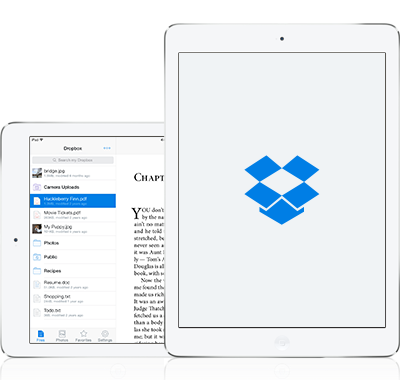
You can download the Dropbox software onto almost any device, whether it be a laptop, desktop, tablet, smartphone. I have Dropbox on my iPhone, iPad and laptop. I also have it installed on Gilly’s DynaVox Maestro. Having Dropbox installed in all these places means that I can access any digital media or files that I put into Dropbox on any of these devices at anytime AND without having to email myself attachments or copy things to a USB thumb drive.
Some examples of things I ‘store’ in my Dropbox include photos, presentations, PDFs of newsletters and worksheets, even video clips of Elmo or Veggie Tales. Take a look at the ‘magic pocket’ that is Dropbox:
Dropbox relies on a WiFi connection to sync and access files amongst various devices, but there is a way to access a much needed file when you are not connected to WiFi. If you ‘star’ /tag a file that you may need offline as a ‘favorite,‘ you can access that file offline. For example, a favorite Elmo clip can be accessible and playable at that time when you need it most and there’s no WiFi for youtube or accessing all of your Dropbox files from the ‘cloud.’
Another handy thing you can do with Dropbox is to store a library of PDF worksheets for your child or any user. Children with autism and other special needs may benefit from multiple practice when completing handwriting, math or reading worksheets. Instead of having to make multiple paper copies practice, you can use your iPad or tablet. By using a PDF annotation app, such as Notability, GoodReader, or PDF-notes you can mark up and write on PDF files. These annotation apps contain pen, marker, and highlighter tools that you can use to trace on top of the PDF for multiple practice.
This video shows a user modifying a PDF with PDF-notes:
So do you “Dropbox?” If you don’t yet…you will love it. (Click here to get started: http://db.tt/zmYc7zrx and we will both get extra storage space for our Dropbox). 2.0 GB is included for FREE to get started with when you install Dropbox.
~KVS
“For I know the plans I have for you,” declares the Lord, “plans to prosper you and not to harm you, plans to give you hope and a future.” ~Jeremiah 29:11.
Permalink Comments off
November 1, 2012
The Power of a Point….or a ‘PowerPoint’…..
November 1, 2012

When Gillian was in preschool, she was a solid user of a low-tech AAC (Augmentative Alternative Communication) system called PECS (Picture Exchange Communication System). She had over 200 words that she identify receptively in a verbal behavior program. I felt she was ready to begin exploring some type of high-tech AAC system–one that would give her an even stronger communicative presence by giving her voice output.
It was not thought by all members of the IEP team at the time that Gilly was ready to use a high-tech voice output speech generating device (SGD), but ‘the mama’ did. When I encounter times of disagreement with my IEP team, it often makes me want to make a PowerPoint to um…..well….make a point. (Gilly is not a series of goals and present levels on paper. She is a person who deserves a voice. She is my kid. I often find that slideshows help to make this point in IEP team meetings. Even just bringing a photo of your child to an IEP meeting can be an effective way for everyone to ‘not forget’ who the meeting is about.)
This is the slideshow I created to explain Gilly’s story to the IEP team and how more robust assistive technology could benefit her.
I included images from her babyhood and toddlerhood. I included pictures of her sister. I included pictures showing her interest in dynamic display, cause & effect, and a presentation from CSUN 2009 about PECS Methodology in High Tech AAC Devices. Gilly could continue to use PECS while adding another layer, a second AAC system–one giving more perception to communicative intent and a more noticable impact to those around her by providing voice output.
The CSUN presentation demonstrated that PECS is an excellent low-tech device to use previously AND concurrently with high-tech AAC. Within a few months, the IEP team was on board and in agreement. The High-Tech AAC train was now leaving the Gilly station.
~KVS
“For I know the plans I have for you,” declares the Lord, “plans to prosper you and not to harm you, plans to give you hope and a future.” ~Jeremiah 29:11.
Permalink Comments off
So how did you get hooked on iOS anyhow?….
November 1, 2012…
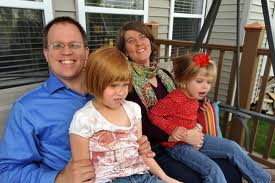
In August 2010, five months after the initial release of the iPad first generation, my parents showed up at our doorstep with a plastic bag from the apple store. “We thought you could use this…,” they said as they took out a white box marked ‘iPad’ from the bag. We were floored and so excited at the same time. Cue the opening music and credits to our now unfolding real-life docudrama “Van Singel Family iOS: the Experience.”
Prior to this unbelievable gift, we had acquired an iPod touch by using cash back bonus rewards from our Discover Card at Sam’s Club. It opened a new door for the girls, especially Magdalyn. We first knew how powerful these little touch devices were for her when she had outpatient surgery in May 2010, to remove her ear tubes. This was her fourth surgery to either have ear tubes placed or removed. On previous occasions, she had to have sedation medication to just tolerate being in the O.R .prep area. With her last procedure, she held the iPod touch and played ShapeBuilder until calmly receiving the mask from the anesthesiologist. She continue to watch and play the iPod touch through the mask! before gently allowing the anesthesia to work for her short operation. “iPods for all!” said the nurses doctors. It was a night and day difference from having to use Versed just to stay put in the O.R. prep area.
The iPod continued to be a piece of assistive technology that we could use with Magdalyn to help her adjust to being in new or formerly uncomfortable situations. Trips to a restaurant, the dentist, the doctor–were finally not a nightmare any more. She could use the iPod touch to feel regulated and look like any other kid at the same time.
The first night we got the iPad from my parents, I brought it out to introduce it to Magdalyn who was having a snit about something at the time about which I cannot remember, but I said, “What is it?” She immediately stopped fussing and reached for the iPad saying…. “iPod…..big iPod” and the rest was history. She knew exactly what to do.
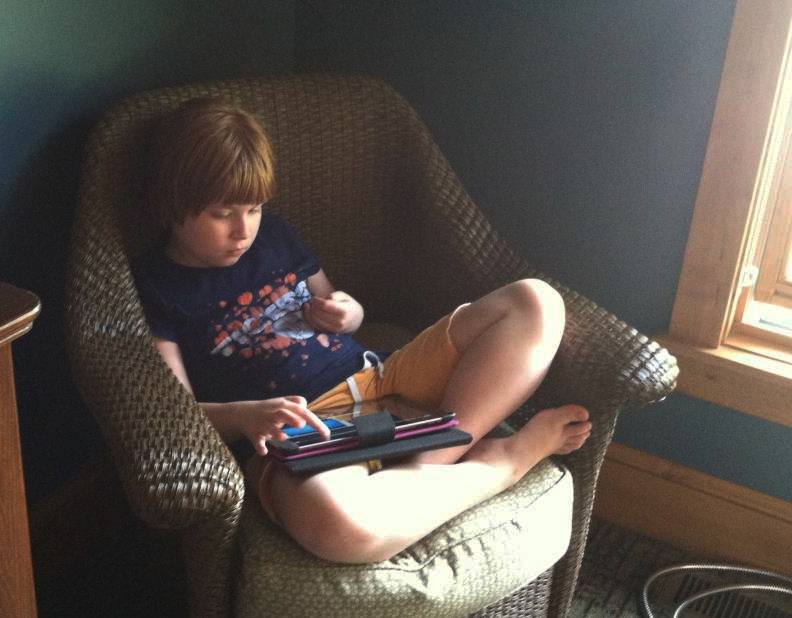
When I could sneak the device away from her, I started immersing myself into app store research, following more and more facebook pages about apps, and starting to teach, learn and experiment with my own live-in iOS hungry sponges named: Magdalyn and Gillian (aka ‘Mags’ & ‘Gilly’)–two girls living with autism.
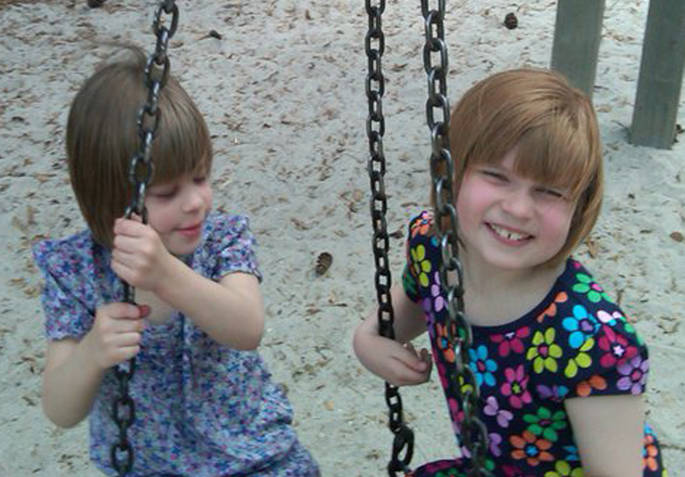
Magdalyn was naturally intuitive from the start having used the iPod touch for a few months. Gillian, on the other hand, needed teaching and guided self-discovery with the iPad. How do you introduce a device like this to a kiddo whose attention span and visual spatial skills were still developing? By trial and error and with cause & effect apps. Little by little, Gillian started to interact with the iPad more and more. She began to understand that using her hand to swipe caused things to happen. She learned that by using a pointed finger, she could draw and scribble. She learned to navigate the apps and find favorite videos.
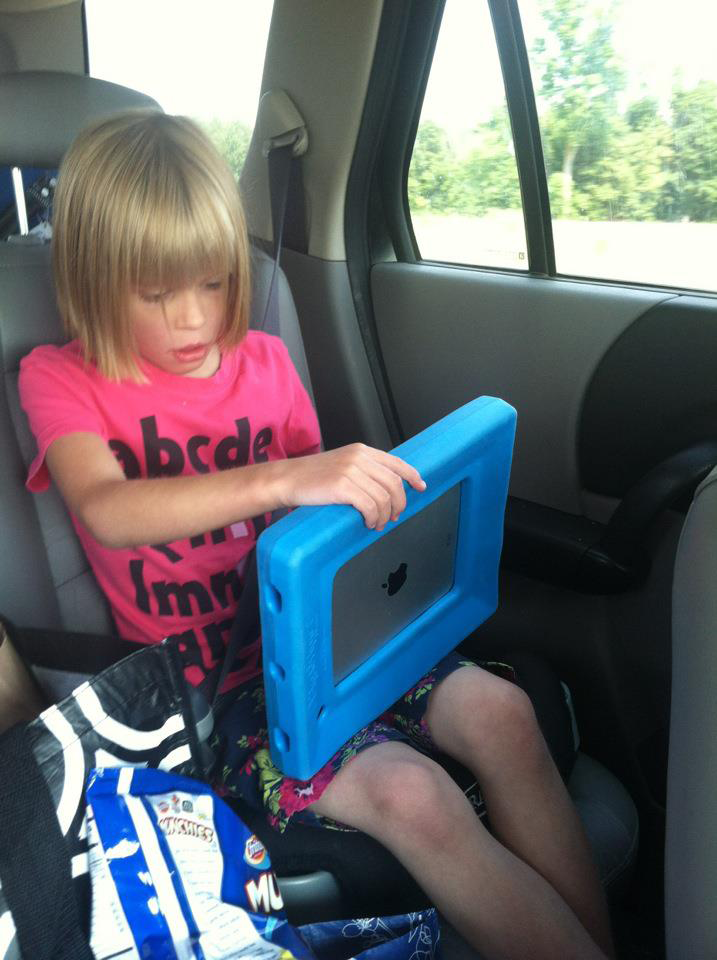
Everyday on Facebook, I began posting and linking articles demonstrating what I was witnessing at home in my own daughters. I was so excited by how they responded and had so much to share. I was asked at that point by my friend Amy at the EMU Autism Collaborative Center to do a Wednesday Night Light about apps. In October of 2010, I gave my first app workshop for parents called “Happy to be App-y.” At that event, I met my friend Brooke, who was starting a non-profit called iTaalk. An instant bond over iPads and autism was formed. I joined up with iTaalk as a volunteer to help contribute to some of their Ohio and Michigan training events, App Happy Potlucks, and to the iTaalk Facebook page.
I am passionate about sharing iOS technology and our story. There are so many families that are hungry for knowledge about where to start and how to start in helping their children with assistive technology. I hope this blog can help others in their journey.
~KVS
“For I know the plans I have for you,” declares the Lord, “plans to prosper you and not to harm you, plans to give you hope and a future.” ~Jeremiah 29:11.
Permalink Comments off
 Mags & Gilly